
Your sessions. Your schedule.
Set session types, prices, durations, group sizes and availability to suit your operation.
AxeScorer Booking & Venue Management
Take online bookings and payments, get waivers signed before arrival and keep your lanes moving. Give your customers a great start to their visit—and your team a clearer view of the day.
Online and in-store payments powered by Stripe
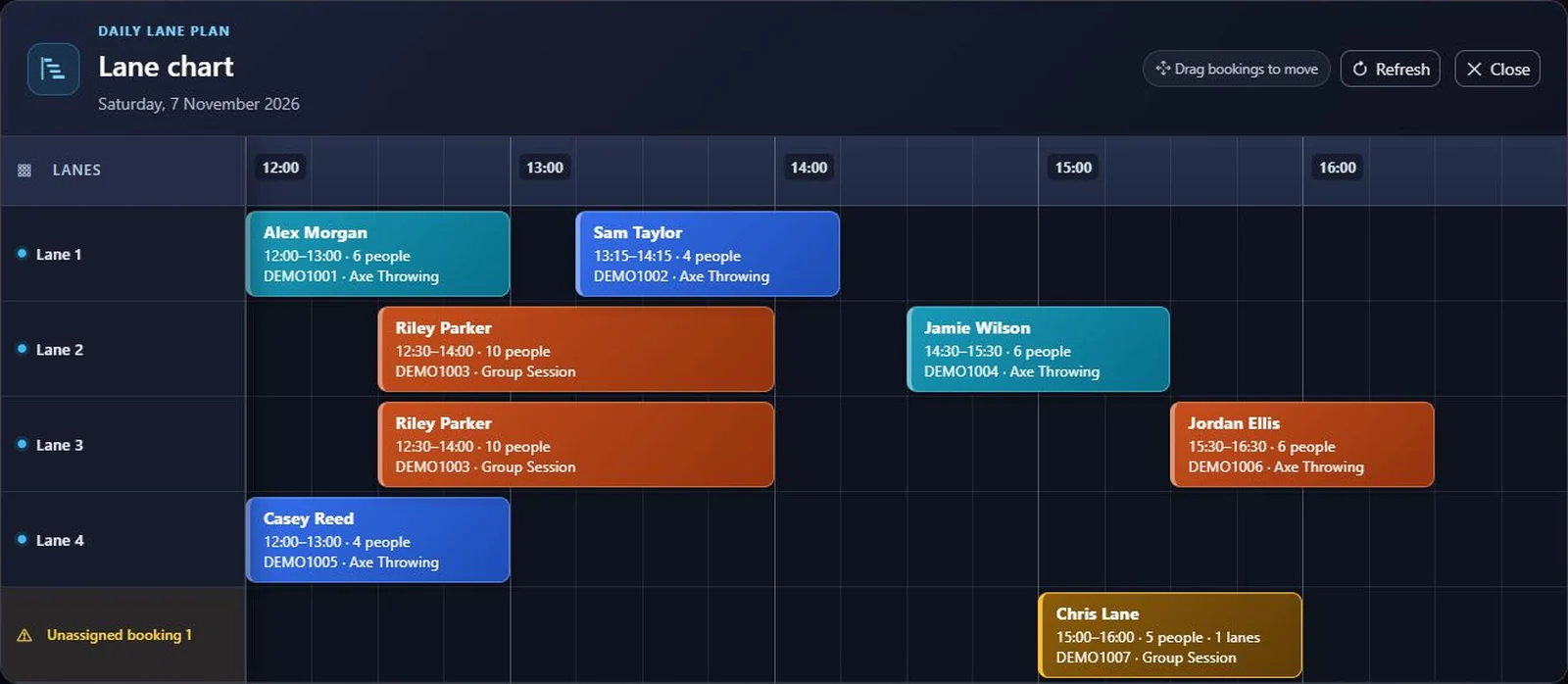
The booking chart
See who's arriving, which lanes they're on and where there's space. Move bookings on the lane chart and spot groups still waiting for a lane.
01 · Online Booking & Payments
Give customers a straightforward way to choose their session, add their group and pay online. Share your hosted booking page from your website, or embed the booking flow into it.
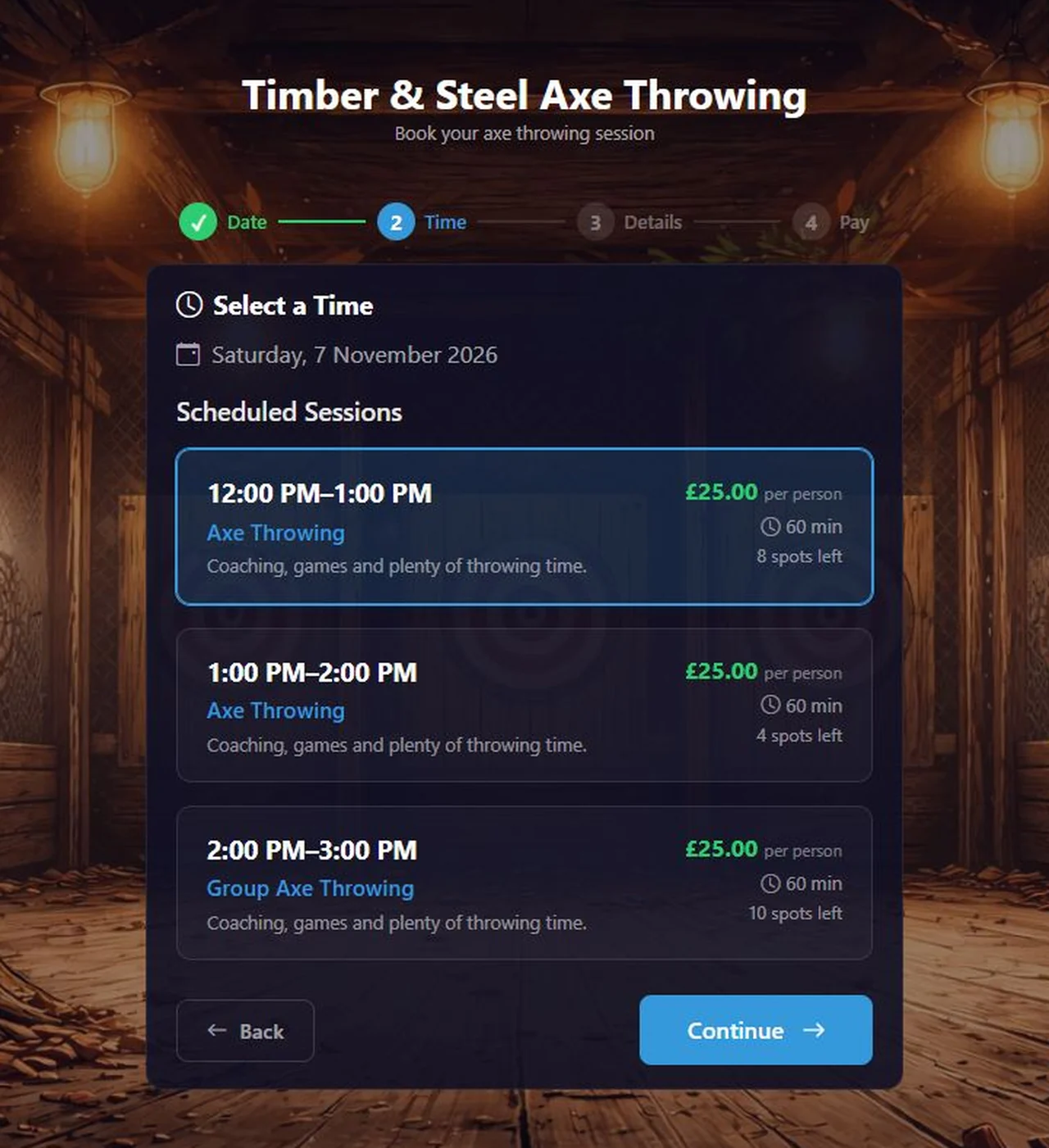
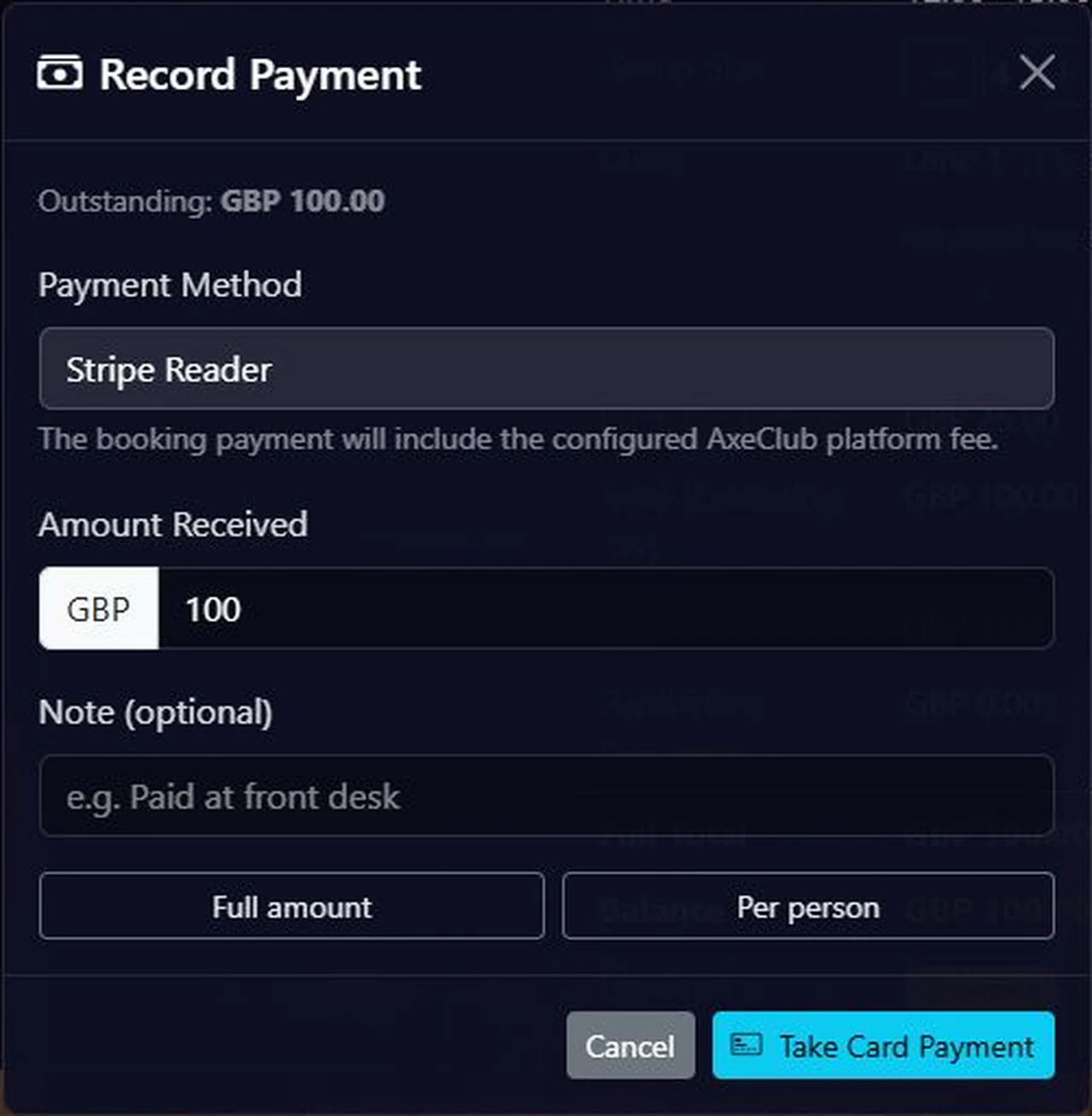
One booking. More ways to pay.
Take online payments through Stripe and accept in-store card payments with a compatible Stripe Terminal card reader. Keep the payment attached to the booking, so staff can see what's paid and what's outstanding.
Requires a connected Stripe account. In-store card payments require a compatible, registered Stripe Terminal reader. Availability depends on your location and Stripe support.
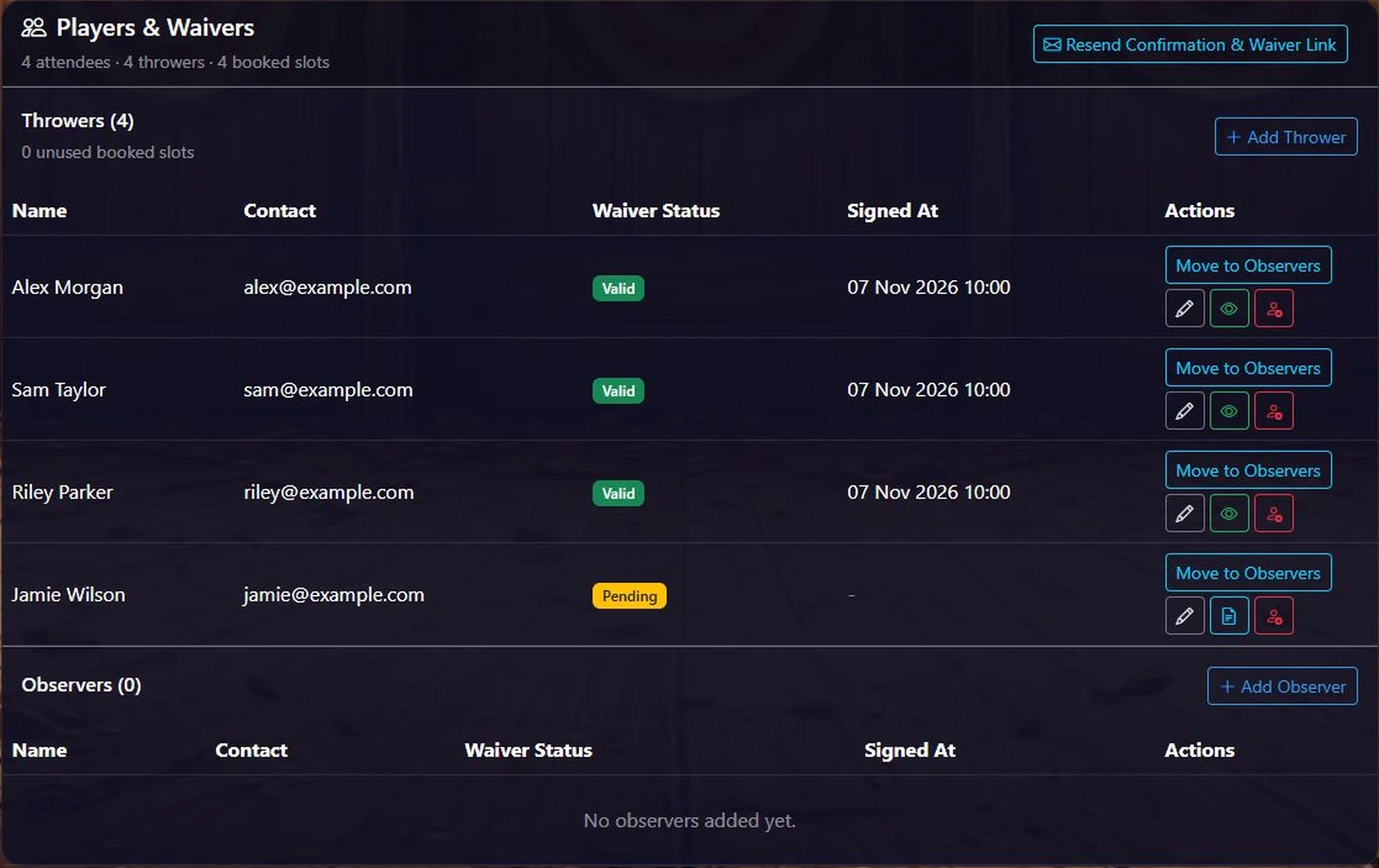
02 · Waiver Management
Get waiver admin out of the way before the first axe is thrown. Customers can complete digital waivers before arrival, while your team sees each participant's status alongside the booking.
03 · Game Management
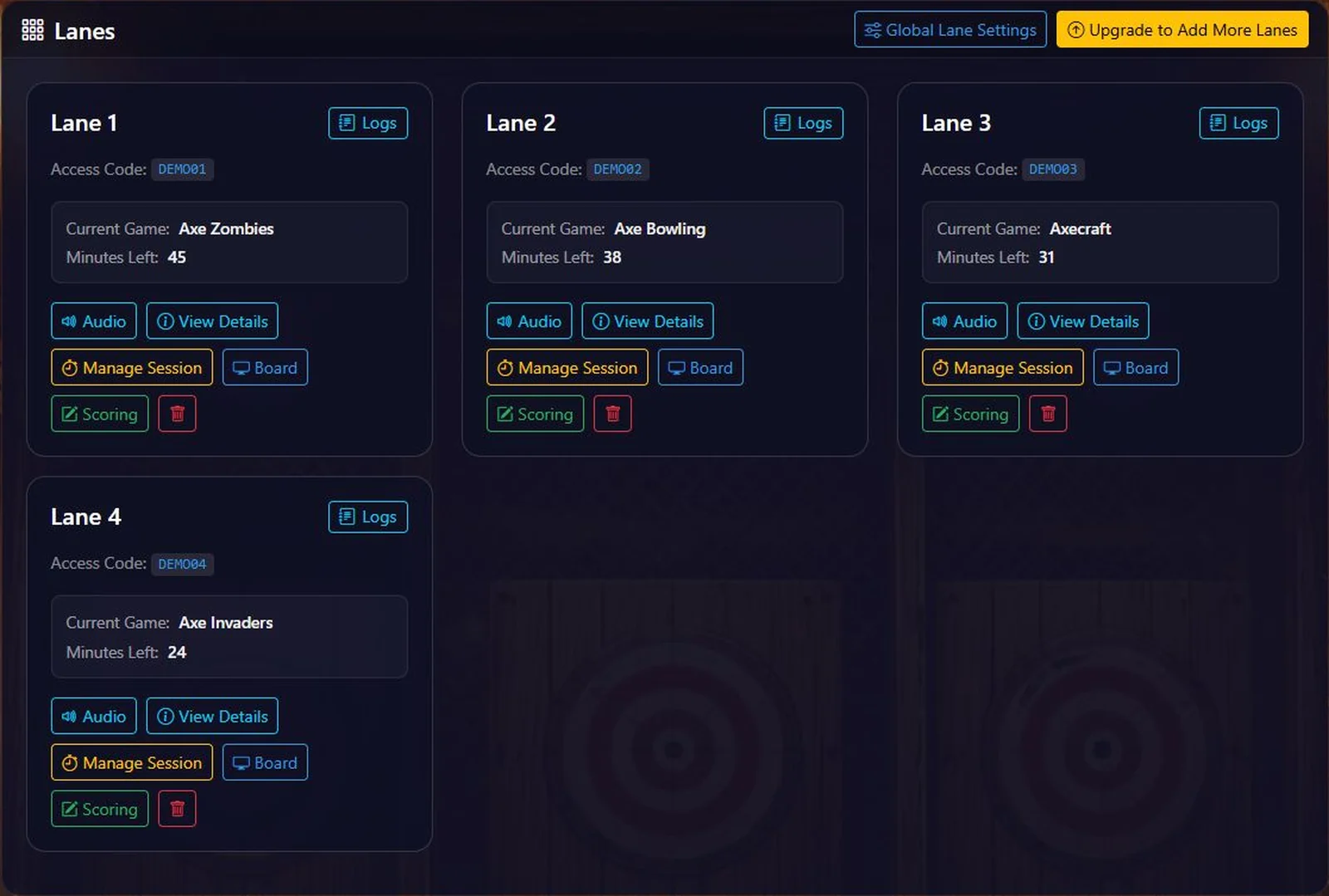
Keep the session moving once your group arrives. Assign players to lanes and manage sessions from your dashboard. When you use AxeScorer scoring, your team can see the current game and manage lane timers too.
Built around your venue
Set session types, prices, durations, group sizes and availability to suit your operation.
Manage group bookings, private requests and the lanes each session needs.
Apply gift cards and configured discounts to bookings without losing track of the balance.
Follow payments, refunds and outstanding amounts from the booking record.
No. This is the dedicated booking and venue management system. Board scoring and games are a separate part of AxeScorer. You can use the booking system with your existing targets, without a projector or digital board.
Yes. Online booking payments and payment links use Stripe. In-store card payments use a compatible Stripe Terminal reader registered to your connected account. Your Stripe setup, location and hardware determine which payment options are available.
Yes. Customers can use the group waiver link to complete digital waivers. Staff can follow each participant's waiver status from the booking, including adult and parent or guardian flows.
Make room for a better run venue
Tell us how your venue works. We'll help you find the right booking setup.
Screenshots show the actual software with example venue and customer data. Select an image to view it full size.